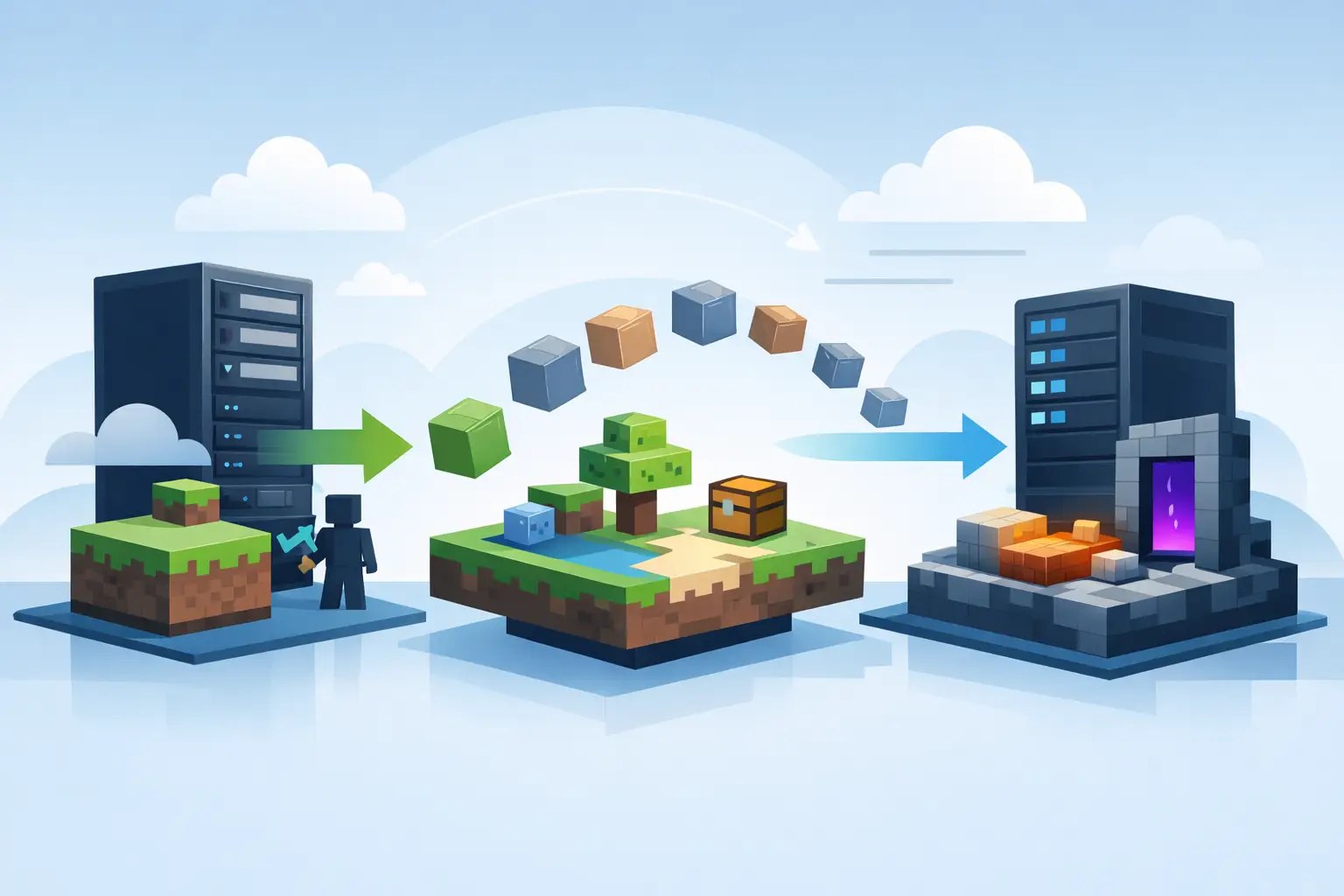
If you have ever delayed switching hosts because your server is finally stable, that hesitation makes sense. A minecraft server migration service is not just about copying files from one machine to another. It is about moving your world, plugins, mods, configs, player data, and startup setup without wrecking TPS, breaking permissions, or leaving your community staring at a timeout screen.
For most server owners, the real problem is not the move itself. It is the risk around the move. Maybe you run a private SMP with a few friends and do not want to lose builds, inventories, or seed data. Maybe you manage a Paper or Purpur server with custom plugin configs, permission nodes, and a whole stack of quality-of-life tweaks that took months to get right. Or maybe you are running Forge or Fabric and the idea of tracking every mod version sounds worse than the lag that made you want to switch in the first place.
That is why migration matters so much. A good move should feel boring. No drama, no corrupted world, no mystery folder missing from the transfer. Just the same server, running better.
What a minecraft server migration service should actually move
A lot of people hear "migration" and assume it means someone drags over the main world folder and calls it done. That is not enough.
A proper migration usually includes the world files, player data, plugin and mod folders, server properties, whitelist and ops lists, permission setups, databases when relevant, version-specific jars, and the config files that control how your server behaves. If you are running a networked setup, it can also involve proxy-related files, subservers, and specific routing details for tools like BungeeCord — we cover that stack in our guide to BungeeCord and Velocity proxies.
This is where cheap hosting support often falls apart. Minecraft is not a generic web app. A support agent who does not understand the difference between Paper and Forge, or who treats Fabric like a plugin loader, can turn a simple move into a cleanup job. Minecraft-specific migration support matters because every server type has its own failure points.
Vanilla servers are usually the easiest to move, but even then you still want to preserve the world, properties, and access settings. Plugin-based servers need more care because plugin versions, permissions, and custom YAML files can break if anything is skipped — the differences between cores are worth knowing, which we break down in Paper vs. Purpur vs. Vanilla and Forge vs. Fabric. Modded servers need even more attention because loader version, Java compatibility, startup flags, and exact mod packs all affect whether the server boots cleanly.
Why people switch hosts in the first place
Most migrations start with pain. Not theoretical pain - the kind you can feel during gameplay.
TPS drops when a few players explore at once. Chunk loading stutters. Backups are messy or manual. The control panel is clunky. Support answers like they have never launched Minecraft. Or the hardware looks fine on paper, but single-core performance is weak, which matters a lot more to Minecraft than inflated marketing claims. If your server already stutters, our breakdown of why a server lags and how to fix it is worth a read before you move.
That last point is a big one. Minecraft performance is heavily tied to CPU speed, especially for active worlds with redstone, entities, farms, and plugins all competing for tick time. If your current host is underpowered where it counts, moving to stronger Ryzen or EPYC infrastructure with fast NVMe storage can make the same server feel completely different even before you change a single gameplay setting.
Still, better hardware alone does not fix a bad migration. If the move is sloppy, you can land on a faster machine with missing files, broken startup configs, or wrong Java versions and end up with new problems instead of fewer ones.
How a safe migration usually works
The best migrations are structured, not improvised.
First comes access. The new host needs the current server files, usually from a full backup, SFTP access, or a downloaded archive from your old provider. Once the files are available, the server type is identified properly - Vanilla, Paper, Purpur, Spigot, Forge, Fabric, or something more custom. That sounds basic, but it matters because the right environment has to be rebuilt before launch.
Then the actual transfer happens. World folders, config directories, plugins or mods, player data, and any supporting files are uploaded and checked. Startup settings are reviewed, including the jar selection, Java version, and memory allocation. If the old host used weird folder structures or custom launch commands, those need to be mapped correctly in the new control panel.
After that comes the step too many providers rush: testing. The server should boot fully, generate logs without obvious errors, and load the world as expected. Plugin-based servers should be checked for dependency issues. Modded servers should be verified against loader and mod versions. If there is a whitelist, permissions plugin, or economy system, those should be sanity-checked too.
Only once the server is verified does it make sense to update DNS or reconnect players through the new IP. If your host handles the move well, downtime stays short and predictable.
Testing. A backup-restore that "completed" isn't a migration until the server boots, the logs are clean, the plugins load and players can actually join. Insist the new host verifies the boot before you point DNS at it.
Trade-offs: free migration vs DIY
There is no single right answer for every admin.
If you are running a very simple Vanilla world and you are comfortable with file management, doing it yourself can be fine. Export the world, upload it, set your properties, test the seed, and you are probably done. For small personal servers, that route can save time if you already know what you are doing.
But once your setup gets layered, DIY becomes less fun fast. A plugin-heavy SMP, a modded community server, or a public project with custom settings has more room for small mistakes that become big headaches. One missing config folder can reset spawn rules. One wrong Java version can stop a Forge server from booting. One forgotten plugin dependency can fill your console with errors while players ask why ranks are gone.
That is where a managed minecraft server migration service earns its keep. You are not paying for file transfer. You are paying to remove the risk of human error and shorten the time between "we should switch" and "everyone can join again."
What to check before you approve the move
Even with expert help, you should know what good looks like.
Ask whether the service supports your exact server stack, including Paper, Purpur, Forge, Fabric, or proxies if you use them. Confirm that backups are taken before changes are made. Make sure the host checks Java compatibility, because newer Minecraft versions and many modded setups are picky about runtime versions. If your community relies on specific plugin configs or modpack behavior, ask whether those files are included in the migration scope — picking the right provider for heavy packs is its own skill, covered in our guide to the best hosting for modpacks.
It also helps to ask about the control panel experience after the move. A migration is only half the story. If you land in a panel that makes every restart, file edit, or backup feel annoying, you have only traded one problem for another. A clean Pterodactyl-based setup is usually easier for everyday management, especially if you want control without getting buried in server babysitting. Our full guide to choosing a host turns all of this into a checklist.
When migration is more than a transfer
Sometimes a server move is also the right time to clean things up.
Maybe your old host left you with messy file organization, outdated startup flags, or backups that were more hope than system. Maybe you want better allocation for RAM and vCPU, or you want to stop guessing whether storage speed is part of your chunk loading problem. A good host can use the migration window to set the server up in a cleaner way without changing the gameplay your players expect.
That said, there is always a balance. If your priority is zero surprises, the safest migration keeps the server behavior as close to the original as possible. Optimization can come after the move. If your priority is fixing existing performance pain immediately, then a migration plus setup review may be worth it. It depends on how sensitive your community is to changes and how messy the current server has become.
Who benefits most from minecraft server migration service
Private SMP owners benefit because they usually care most about preserving the world and keeping downtime low. Public servers benefit because every minute offline is visible to players and staff. Modded communities benefit because their setups are the easiest to break and the most annoying to rebuild manually.
Even experienced admins use migration help when they are busy. Knowing how to move a server and wanting to spend your night doing it are not the same thing.
For hosts like Elysium, migration is part of removing the friction that stops people from upgrading. Better CPU performance, fast NVMe Gen4 storage, automatic backups, DDoS protection, and Minecraft-aware support all matter, but they only matter after you get there. A clean move is what gets you there without the usual pain.
If your current host is costing you performance, time, or patience, staying put is not the safe option. The safe option is moving carefully, testing properly, and choosing a team that knows the difference between a server file and a server that actually works when players log in.